Surface Pro 11 vs Surface Pro 9: Reasons Should You Upgrade to Pro 11 in 2026
The way companies choose work devices today is very different from what it was even five years ago. Earlier, performance alone was enough. Today, businesses also look at flexibility, mobility, and how well a device fits into hybrid work culture.
This is exactly where Microsoft Surface devices have quietly built their reputation. The Surface Pro series in particular has become popular because it works both as a laptop and a tablet without forcing users to compromise on performance.
Right now, two models that many IT teams are comparing are the Microsoft Surface Pro 11 and the Microsoft Surface Pro 9. Surface Pro 9 is still widely used and continues to perform well. But the newer Surface Pro 11th Edition introduces improvements that make businesses at least consider whether an upgrade is worth it.
Let’s look at what really matters.
Surface Pro 11 vs 9: Price, Availability, and Specifications
When businesses plan device upgrades, the discussion usually comes down to three simple questions:
Is it worth the price?
Will performance improve daily work?
How long will the device stay relevant?
Surface Pro 11 Price and Availability
The Microsoft Surface Pro 11 is Microsoft’s newest 2-in-1 built with modern work environments in mind. Instead of just focusing on raw speed, it focuses more on efficiency, AI assistance, and battery optimization thanks to Snapdragon X processors.
Organizations planning refresh cycles often choose to Buy Surface Pro 11 for Business as a strategic upgrade rather than simply replacing older hardware. The Surface Pro 11 is designed to support evolving workloads, with configuration options tailored to meet diverse business needs such as performance, storage, and scalability.
Many organizations also recognize that deployment planning is just as important as specifications, which is why partnering with experienced Dixit Infotech plays a key role in making informed technology decisions.
Surface Pro 9 Price and Availability
While the Surface Pro 9 remains a dependable option for everyday business tasks like documentation, presentations, and browser-based work, the focus for many organizations is gradually shifting toward future-ready devices.
Teams planning upgrades often look beyond existing stability and choose to Buy Surface Pro solutions that better align with evolving performance and scalability needs.
Surface Pro 11 vs Surface Pro 9: Key Specifications Comparison
At a glance, both devices look almost identical. Microsoft has kept the same clean design language, and that’s actually helpful because users don’t need to relearn anything.
You still get:
– Lightweight design
– Built-in kickstand
– Detachable keyboard flexibility
The real changes are inside the device.
The Surface Pro 11th Edition is built around AI-assisted processing and better efficiency. Surface Pro 9 still delivers solid productivity performance, but it was designed before AI workloads became a major consideration.
For companies planning 3-5 year usage cycles, that difference can matter more than small hardware upgrades.
Key Reasons to Upgrade to Surface Pro 11
Most businesses don’t upgrade devices just because something new is available. They upgrade when daily work becomes easier, faster, or more efficient.
Here are some practical reasons companies consider before they Buy Surface Pro 11.
1. AI-Powered Performance
One of the biggest differences in the Microsoft Surface Pro 11 is the dedicated AI processing capability. Instead of sending everything to the cloud, some AI features can now run locally.
In simple terms, that means:
Better meeting enhancements
Smarter productivity assistance
Improved app responsiveness
Companies thinking long-term often buy Surface Pro 11th Edition because they want hardware that will support future software instead of becoming outdated quickly.
2. Longer Battery Life for Professionals
Battery upgrades rarely make headlines, but they make daily work easier.
For professionals moving between meetings, client visits, or travel, longer battery life means fewer interruptions. Surface Pro 11 improves efficiency enough to make a noticeable difference in a full workday.
In hybrid environments, this is actually one of the most practical reasons teams upgrade.
3. Faster Performance and Multitasking
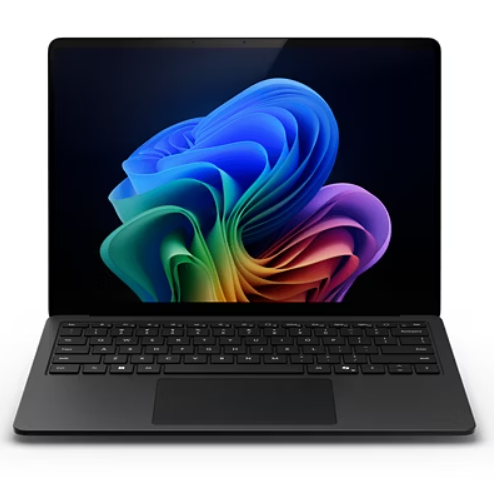
The Surface Pro 11 is built for business performance, delivering a smooth and responsive experience across demanding workloads.
Running multiple apps, browser tabs, and collaboration platforms together feels more responsive because the processor is designed for efficiency under load.
Organizations planning to Buy Surface Pro 11 for Business often look at this from a productivity perspective, fewer slowdowns means fewer employee frustrations.
Companies often consult experts at Dixit Infotech to decide whether these gains justify upgrading their existing fleet.
4. Future-Ready Business Features
A common IT mistake is buying for today’s needs instead of tomorrow’s needs.
Surface Pro 11 is clearly designed with software evolution in mind. As AI features become standard in productivity tools, older hardware may struggle to keep up.
That’s why many IT teams now think in terms of device lifespan instead of just purchase cost.
Premium Display and Touch Experience
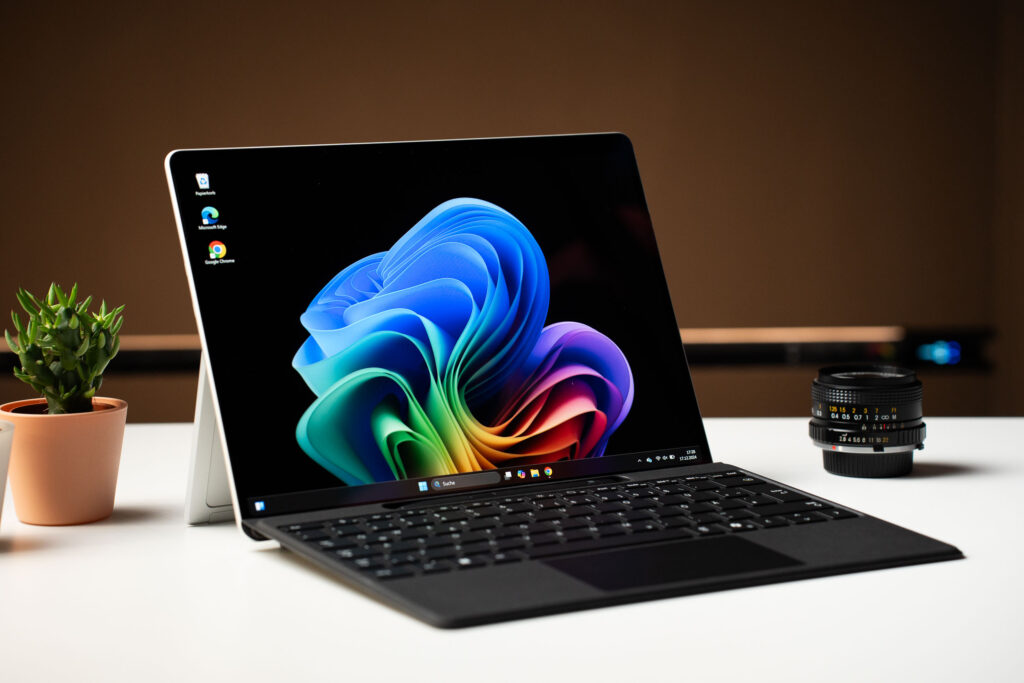
Microsoft has always delivered strong display quality, and the Microsoft Surface Pro 11 continues that standard.
Professionals who present frequently, review documents visually, or annotate files often appreciate the touchscreen and pen experience more than raw specifications.
It’s one of those features people don’t think about initially but value later.
Surface Pro 11 vs Surface Pro 9: Feature Comparison
1. Design and Build Quality
Both devices feel familiar in the best way. The premium finish and portability remain unchanged.
This consistency also helps IT teams because upgrades don’t require user retraining.
2. Performance and Processing Power
Surface Pro 11 focuses on future workloads and AI optimization. Surface Pro 9 remains strong for traditional business applications.
So the real question becomes simple:
Are you preparing for future workflows or maintaining current ones?
3. Display and User Experience
Both devices deliver excellent display clarity and pen support. This makes them useful for presentations, creative review work, and note-taking.
4. Battery and Productivity
Microsoft Surface Pro 11 shows better power optimization, which helps professionals stay productive longer without worrying about charging.
Surface Pro 11 vs Surface Pro 9: Which Is Right for You?
The decision depends less on specifications and more on how your teams actually work.
Why Choose Surface Pro 11?
It makes sense to consider Buy Surface Pro 11 if your organization wants:
- AI-ready systems
- Longer device lifespan
- Better battery efficiency
- Future software compatibility
Businesses planning long refresh cycles usually see value here.
Why Choose Surface Pro 9?
Surface Pro 9 still works well if your needs are simple:
- Office productivity tasks
- Stable performance
- No urgent upgrade need
- Compatibility with current systems
Choosing the Right Microsoft Surface Device
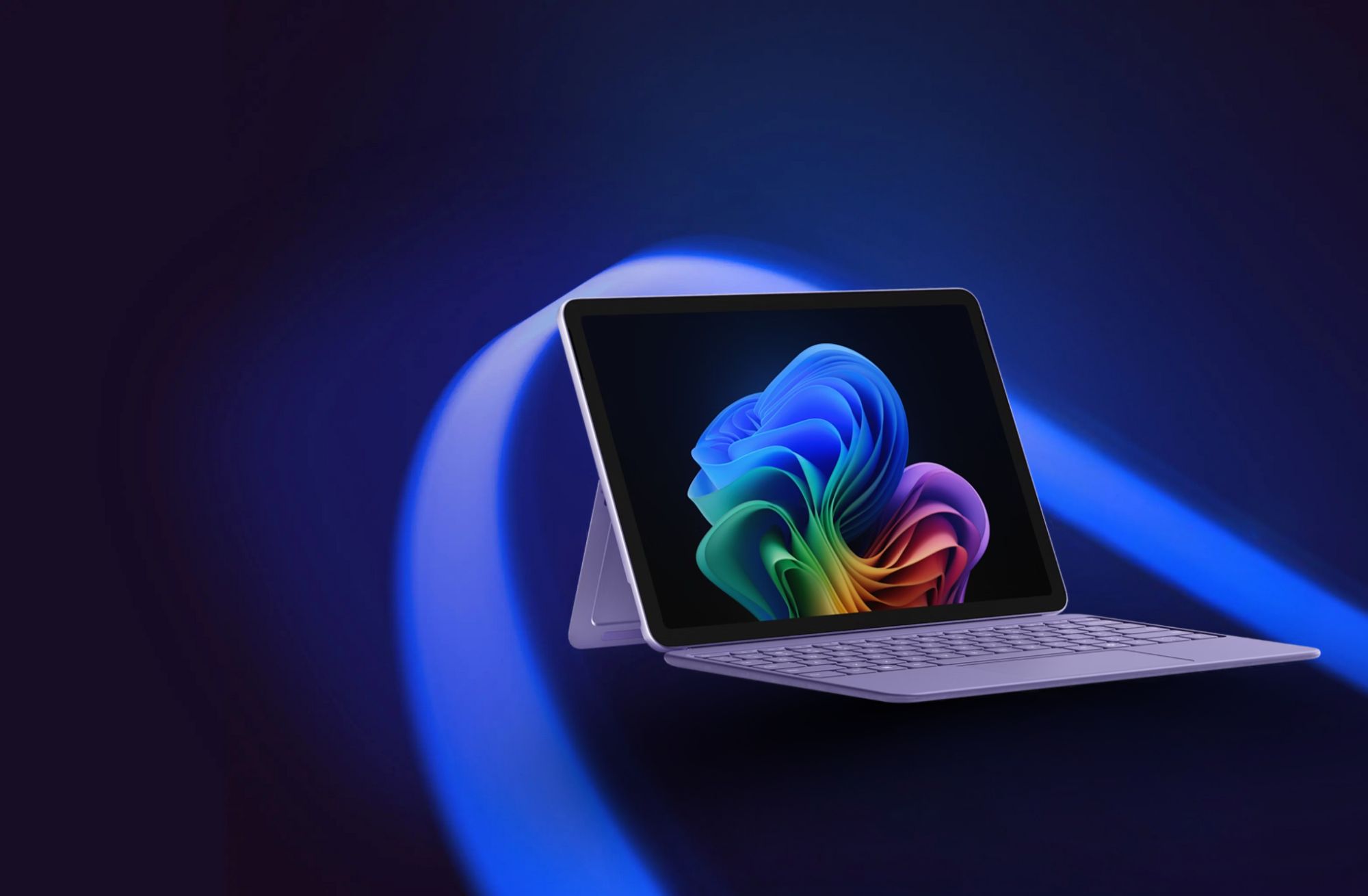
Microsoft continues to position Surface devices as productivity tools rather than just specifications. That’s one reason many organizations continue adopting them.
Whether companies want to Buy Microsoft Surface Pro 13.8 Inch devices for mobility or Buy Microsoft Surface Pro 15 Inch models for larger workspace needs, Surface offers flexibility depending on work style.
The Surface Pro 11th Edition is also increasingly being seen as a strong choice for developers thanks to its performance, AI capabilities, and multitasking efficiency.
Many organizations also work with partners like Dixit Infotech because choosing the right Microsoft Surface Device for Your Business Needs often depends on workflow understanding rather than just comparing specs.
At the end of the day, the best device is rarely the newest one. It’s the one your team actually enjoys working on every day.
And that’s the question worth answering before making an upgrade decision.