Modern 2-in-1 Surface Pro Explained: Key Features, Specifications, and Use Cases
A few years ago, buying a laptop was pretty straightforward. You’d check the specs, compare a couple of options, and that was it.
Now it’s different. Work isn’t limited to one place anymore, sometimes you’re at your desk, sometimes in a meeting, sometimes working from home or even on the move. Because of that, people have started looking for devices that can adjust to how they work, not the other way around.
That’s where 2-in-1 laptops come into the picture. And if you’ve explored even a little, you’ve probably come across the Microsoft Surface Pro more than once.
But is it actually useful in day-to-day work, or is it just another “nice to have” feature? Let’s get into it.
What Is a 2-in-1 Laptop and How Does It Work?
In simple terms, a 2-in-1 laptop is exactly what it sounds like, it works both as a laptop and a tablet.
Some devices flip around, some slide, and some let you detach the keyboard completely. The idea is simple: you’re not stuck using it in just one way.
With something like the Microsoft Surface Pro, you can type when you need to get work done, and then quickly switch to a more relaxed setup when you’re reading, presenting, or just moving around.
On paper, it sounds like a small thing. In real use, though, it can make your workflow feel a lot less rigid.
What Makes Microsoft Surface Pro a Modern 2-in-1 Device?
There are quite a few 2-in-1 laptops out there, but the Microsoft Surface Pro stands out because it feels more natural to use.
It doesn’t feel like a laptop trying to become a tablet or the other way around, it actually handles both roles pretty well. The transition is quick, and you don’t feel like you’re adjusting every time you switch.
Another thing you’ll notice is how easy it is to carry. It’s not bulky, and that matters more than people think, especially if you’re taking it to meetings or traveling with it.
Over time, these small things, weight, flexibility, quick setup will start to matter more than just raw specs.
Key Features of Microsoft Surface Pro 11 for Professionals
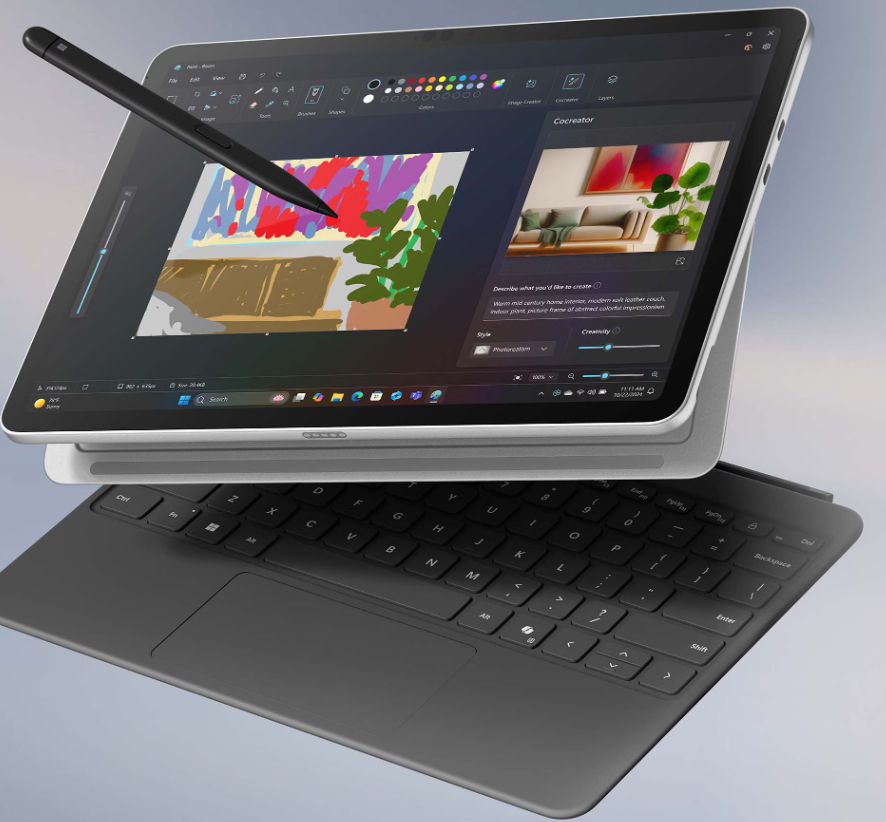
The Microsoft Surface Pro 11 builds on that flexibility but makes it more practical for everyday work.
Key Features at a Glance:
- Lightweight & Flexible Design
Microsoft Surface Pro 11 is easy to carry and quick to set up. You can use it as a laptop or switch to tablet mode depending on your work. - Adjustable Kickstand for Hybrid Work
The built-in kickstand (up to 165°) makes the Surface Pro for Business ideal for meetings, desk work, and presentations. - High-Resolution Touchscreen Display
The Surface Pro 11th Edition comes with a sharp PixelSense touchscreen that’s comfortable for long hours and interactive tasks. - AI-Powered Performance
The Microsoft Surface Pro Copilot+ PC includes AI features that help with summarising, multitasking, and improving daily workflow. - Modern Connectivity & Accessories Support
With USB-C ports, Wi-Fi, and Slim Pen support, the device connects easily with accessories and supports flexible work setups.
Microsoft Surface Pro Specifications: What You Should Know
Instead of getting too deep into numbers, it’s easier to understand how the device actually feels in day-to-day use.
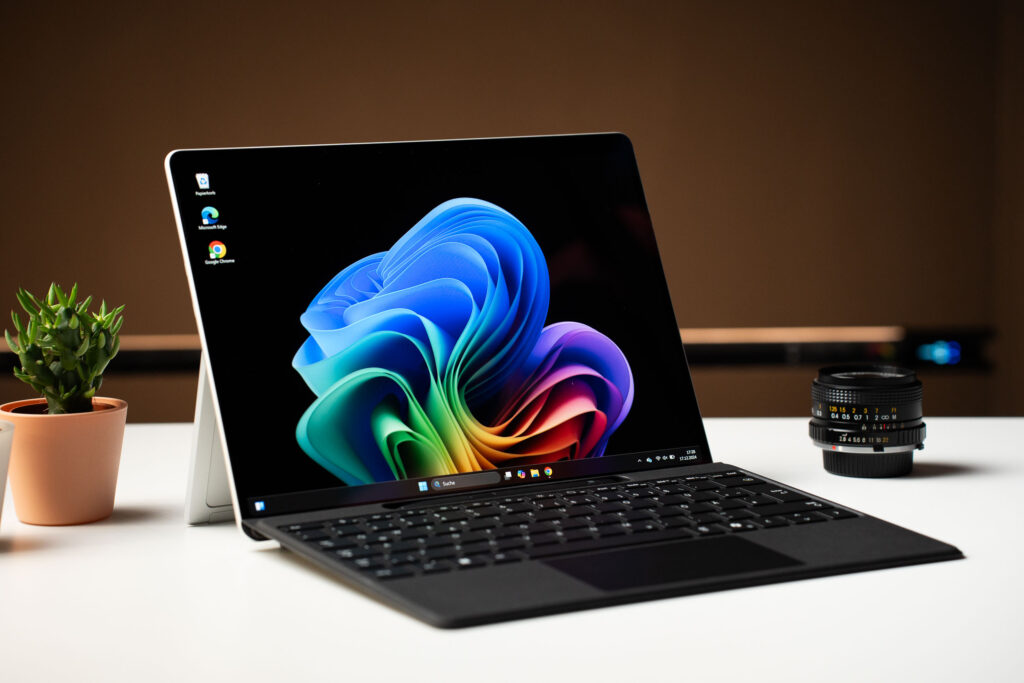
The Surface Pro 11th Edition handles regular work without any real struggle, emails, video calls, documents, and multiple tabs open at once. With options like up to 16GB/24GB RAM and fast storage, things stay smooth even when you’re switching between tasks.
The display is one of those things you don’t fully notice on day one, but over time you start to appreciate it. The 12-inch PixelSense touchscreen is sharp, responsive, and comfortable on the eyes, especially if you’re working long hours or attending back-to-back meetings.
Battery life is also quite reliable. It can last through a typical workday depending on usage, and with fast charging support, you’re not stuck waiting around when it does run low.
Overall, it’s not just about having strong specs on paper, the Surface Pro 11 feels consistent and dependable in real use, which is what most professionals actually care about.
Top Use Cases of Surface Pro for Business and Professionals
Where the Surface Pro for Business really stands out is in everyday situations.
- Meetings and quick discussions:
You can switch to tablet mode, take notes, or just carry it around easily without setting up a full workspace. - Travel and on-the-go work:
It’s light enough that carrying it daily doesn’t feel like a task. - Hybrid work setups:
Whether you’re at home or in the office, it adjusts quickly without needing much setup. - Presentations and client work:
It’s easier to use in hand or on the go compared to a traditional laptop. - General multitasking:
For regular business tasks, it handles things smoothly without slowing you down.
It’s not one big feature. It’s how these small advantages come together.
Who Should Buy a Surface Pro in 2026?
Not everyone needs a 2-in-1 device, and that’s fair. The Microsoft Surface Pro works best when your work isn’t limited to one setup.
Here’s a simpler way to look at it:
- For Students:
If you attend classes, take notes, and work on assignments, the Surface Pro can be really useful. You can type when needed and switch to tablet mode for reading or note-taking. - For Business Professionals:
The Surface Pro for Business is ideal if your day involves meetings, presentations, and working from different places. It’s easy to carry and adapts quickly without needing multiple devices. - For Developers / Tech Users:
If your work involves moderate coding, testing, or working across tools, the Microsoft Surface Pro 11 can handle it well. But for very heavy workloads, a more powerful traditional setup might still be better. - For Creative & Flexible Work:
If you sketch ideas, review designs, or prefer a more interactive way of working, the touchscreen and pen support make a difference. - For Hybrid & Remote Workers:
If you’re constantly switching between home, office, and travel, the flexibility of the device becomes a big advantage.
Buy Surface Pro for Business from Dixit Infotech
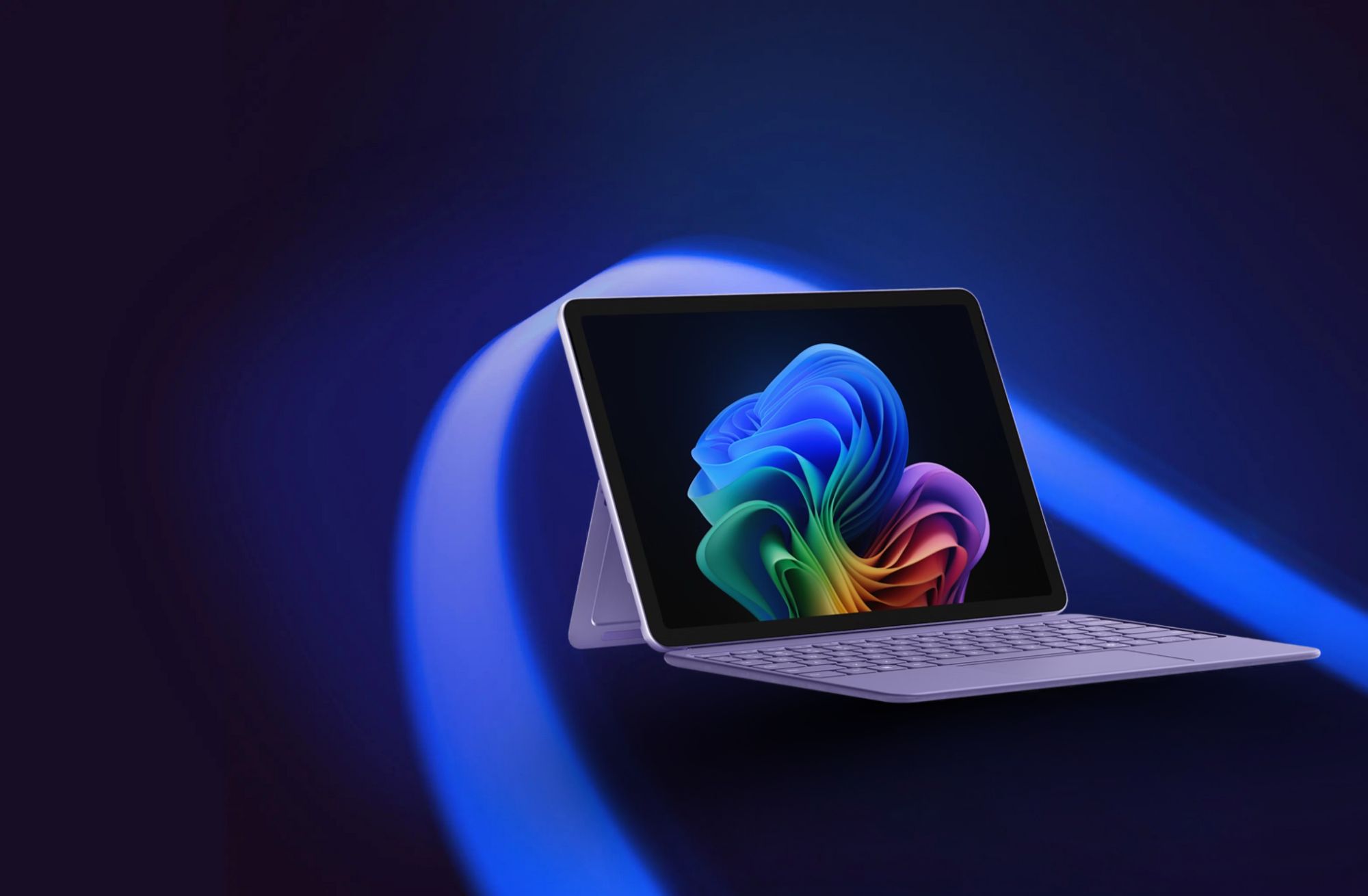
Once you’ve decided that a device like the Surface Pro or Surface Laptop suits your needs, the next step is choosing the right place to purchase it.
If you’re planning to Buy Surface Pro for Business, it’s better to go with someone who understands business requirements instead of just selling a product.
Dixit Infotech works with professionals and companies to help them choose the right setup based on how they actually use their devices. Whether it’s for individual use or for a team, having that guidance makes the process simpler.